Skip to content
GFlight Simulator
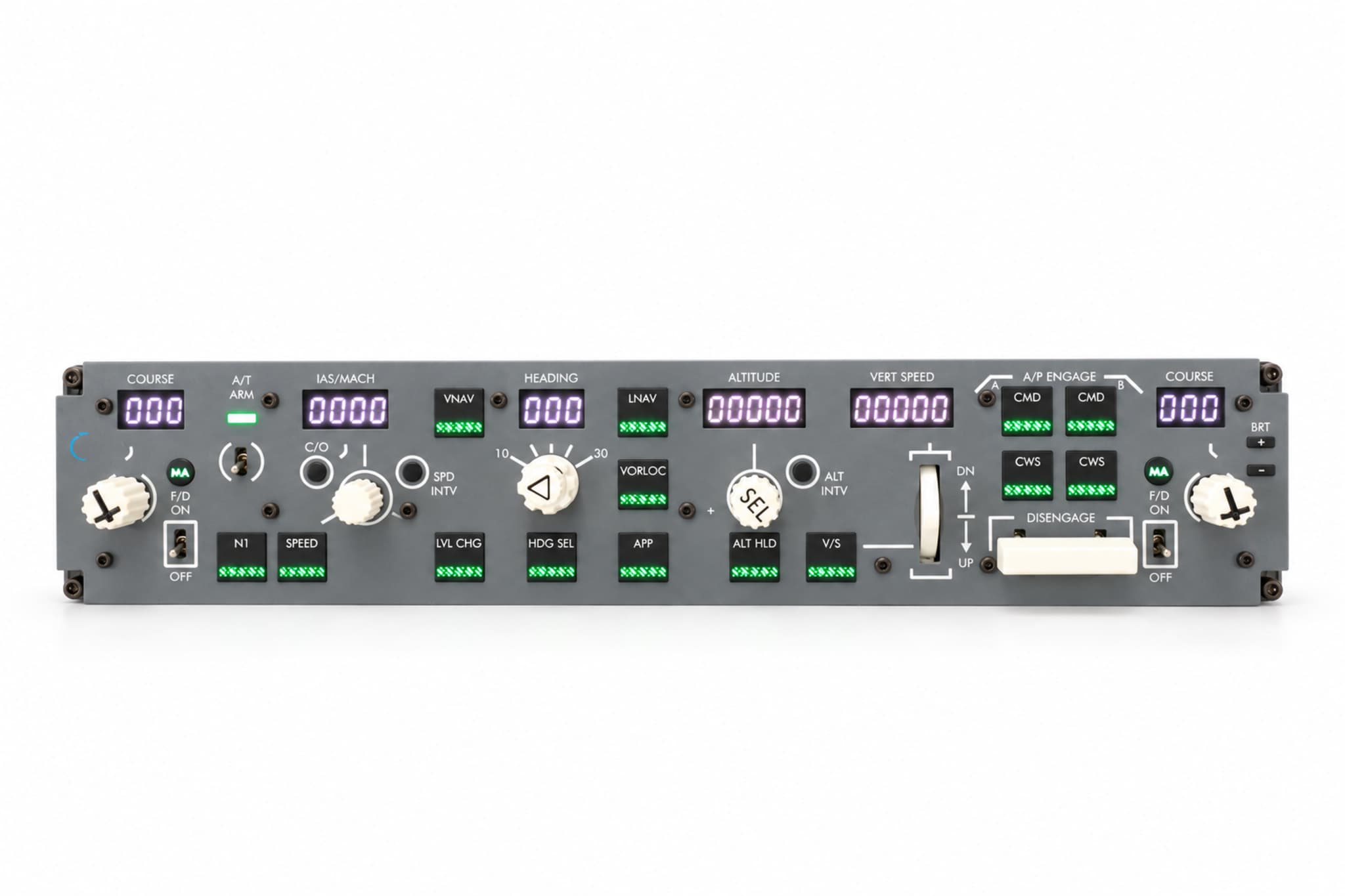
GFlight B737 MCP front view
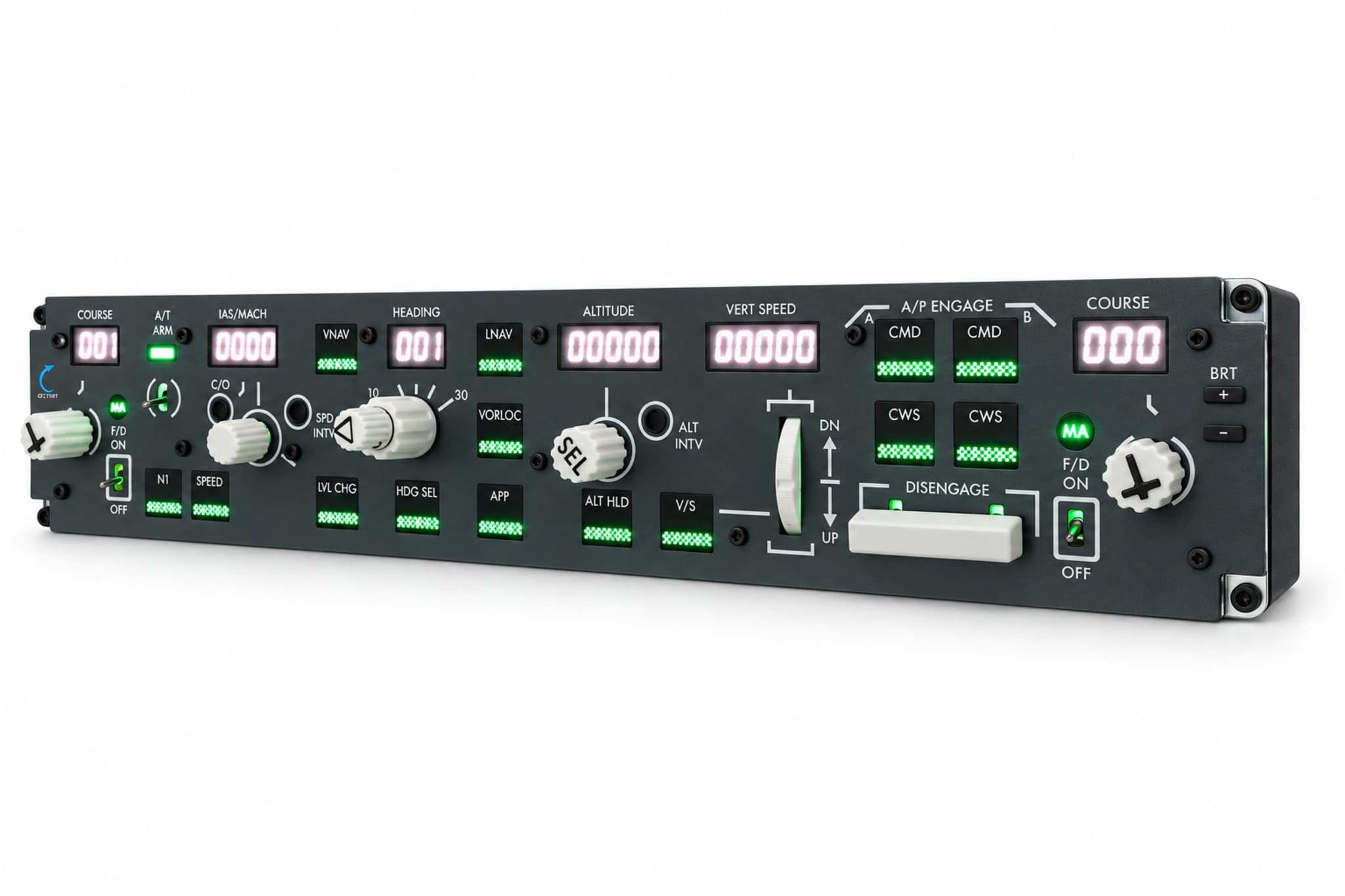
  • GFlight B737 MCP angled view

Hardware

GFlight B737 MCP

Control the Boeing 737 autopilot with physical controls.

₺23,499

VAT included

Buy on Hepsiburada (opens in a new tab)Buy on Amazon (opens in a new tab)

See the marketplace page for current price and availability.

Get a quote for business or bulk orders

The GFlight B737 MCP lets you run the Boeing 737 autoflight system with realistic buttons, rotary knobs and digital displays. In MSFS 2020 and 2024, its AI-powered voice assistant works like a copilot sitting next to you.

Key features

  • Panel layout based on the Boeing 737 MCP
  • Physical controls for speed, heading, altitude and vertical speed
  • Digital displays showing active values
  • Illuminated mode annunciators
  • Adjustable backlighting, aluminium body in cockpit colour
  • Blinking A/B warning digit on the IAS/MACH display
  • BANK ANGLE on the HEADING knob; working SPD INT and ALT INT keys
  • Working Flight Director switch and MA warning light for captain and first officer
  • Two-way sync with the supported aircraft
  • AI-powered voice assistant (MSFS 2020 and 2024)
  • Own connection software, no third-party tools needed
  • 2-year manufacturer warranty

Overview

Set speed, heading, altitude and vertical speed with physical knobs. Follow active values on the digital displays and engaged modes on the illuminated annunciators. The panel stays in two-way sync with the supported aircraft: a change in the simulator shows up on the panel, and a change on the panel shows up in the simulator.

The GFlight B737 MCP comes with its own connection software. There is no need to buy or install third-party tools such as SPAD.neXt, AxisAndOhs or MobiFlight.

AI-powered voice assistant

Activate the voice assistant by saying “Copilot” and speak the supported commands. While you fly, the assistant takes care of other cockpit tasks, so you can keep your attention on flying instead of reaching for the keyboard or mouse.

Commands are given in English and work with fixed phrases (for example “gear up”, “flaps five”). The voice assistant currently works only in MSFS 2020 and MSFS 2024 (PMDG 737-800); it is not supported in X-Plane 12.

Supported functions:

  • Setting the flap position (up, 1, 2, 5, 10, 15, 25, 30, 40)
  • Lowering and raising the landing gear
  • Battery and ground power
  • Starting and stopping the APU, APU bleed
  • Starting the engines and setting idle
  • External, landing, taxi and anti-collision lights
  • Engine and wing anti-ice, window heat
  • Yaw damper
  • Fuel and hydraulic pumps
  • Left and right packs
  • Left and right IRS
  • Setting the parking brake

Compatibility

Supported simulator and aircraft combinations
SimulatorAircraft
Microsoft Flight Simulator 2020PMDG 737-800
Microsoft Flight Simulator 2024PMDG 737-800
X-Plane 12Zibo Mod B737-800X

Technical details

Dimensions
440 × 60 × 88 mm
Connection
USB, GFlight connection software
Third-party software
Not required
Operating system
Windows 10/11 (macOS not supported)
Voice assistant
AI-powered; MSFS 2020 and 2024 only
Mounting
Desktop or cockpit mounting
Warranty
2-year manufacturer warranty
Manufacturing
Locally manufactured

Controls on the panel

  • COURSE 1
  • IAS/MACH
  • N1
  • SPEED
  • LVL CHG
  • VNAV
  • HDG SEL
  • LNAV
  • VOR/LOC
  • APP
  • ALT HLD
  • V/S
  • COURSE 2
  • HEADING
  • ALTITUDE
  • VERTICAL SPEED
  • FLIGHT DIRECTOR
  • AUTOTHROTTLE
  • CMD A
  • CMD B
  • CWS A
  • CWS B
  • AUTOPILOT DISENGAGE
  • Hardware

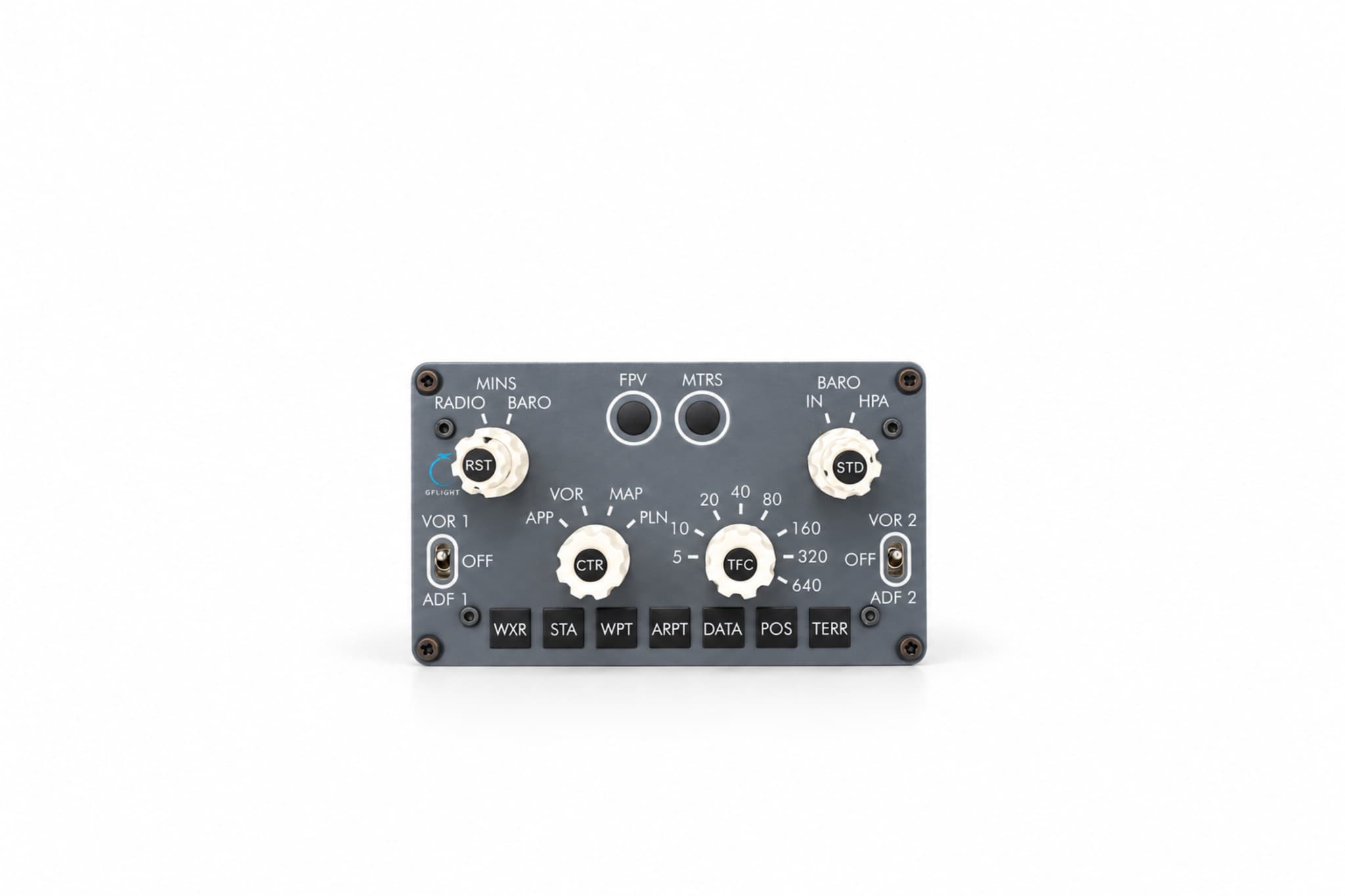
    GFlight B737 EFIS

    Control the Boeing 737 navigation display with physical controls.

    ₺10,499
    • MSFS 2020
    • MSFS 2024
    • X-Plane 12
  • Hardware

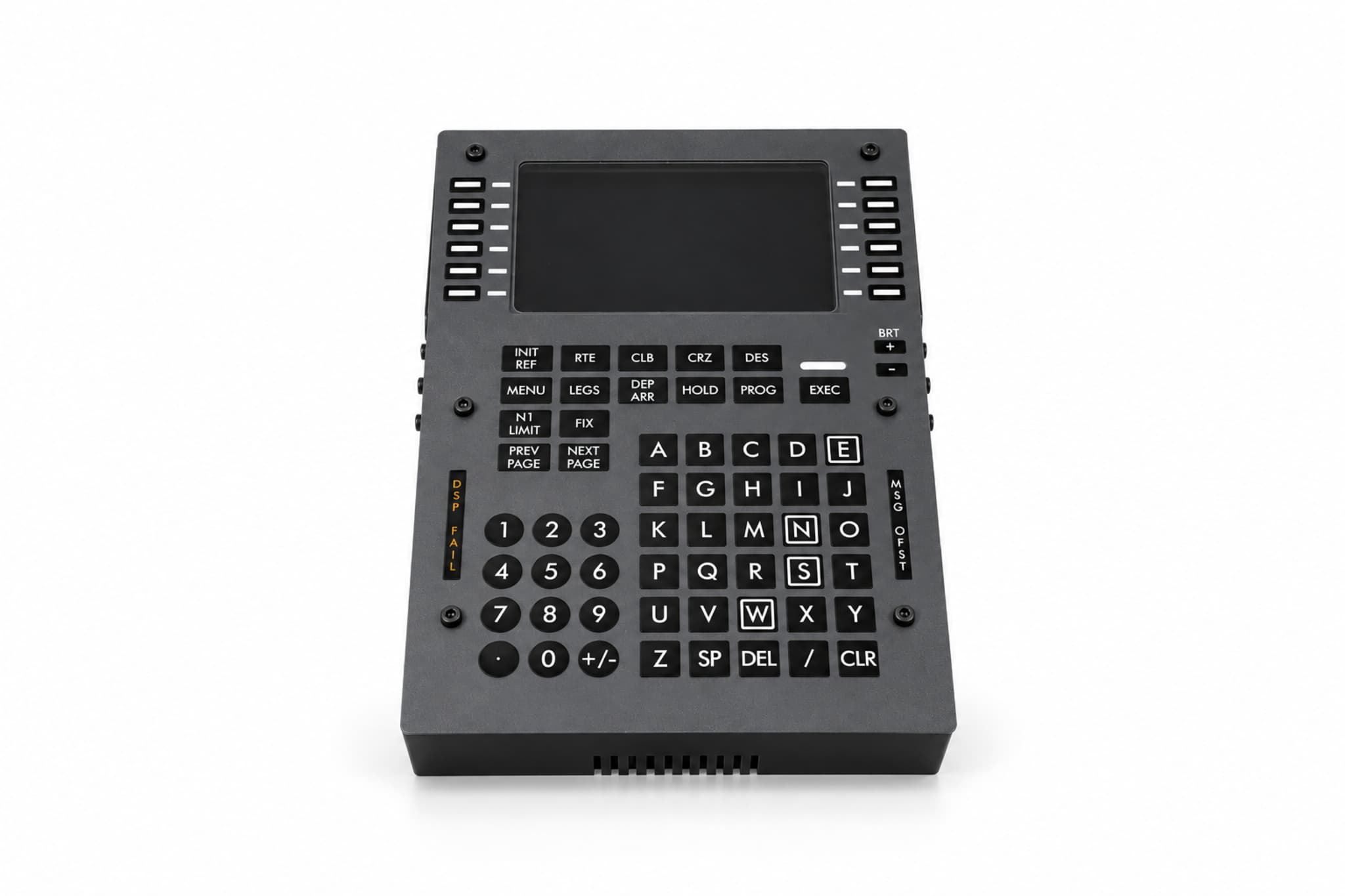
    GFlight B737 FMC/CDU

    Manage your flight plan on a physical CDU.

    ₺28,499

    • MSFS 2020
    • MSFS 2024
    • X-Plane 12