Skip to content
GFlight Simulator
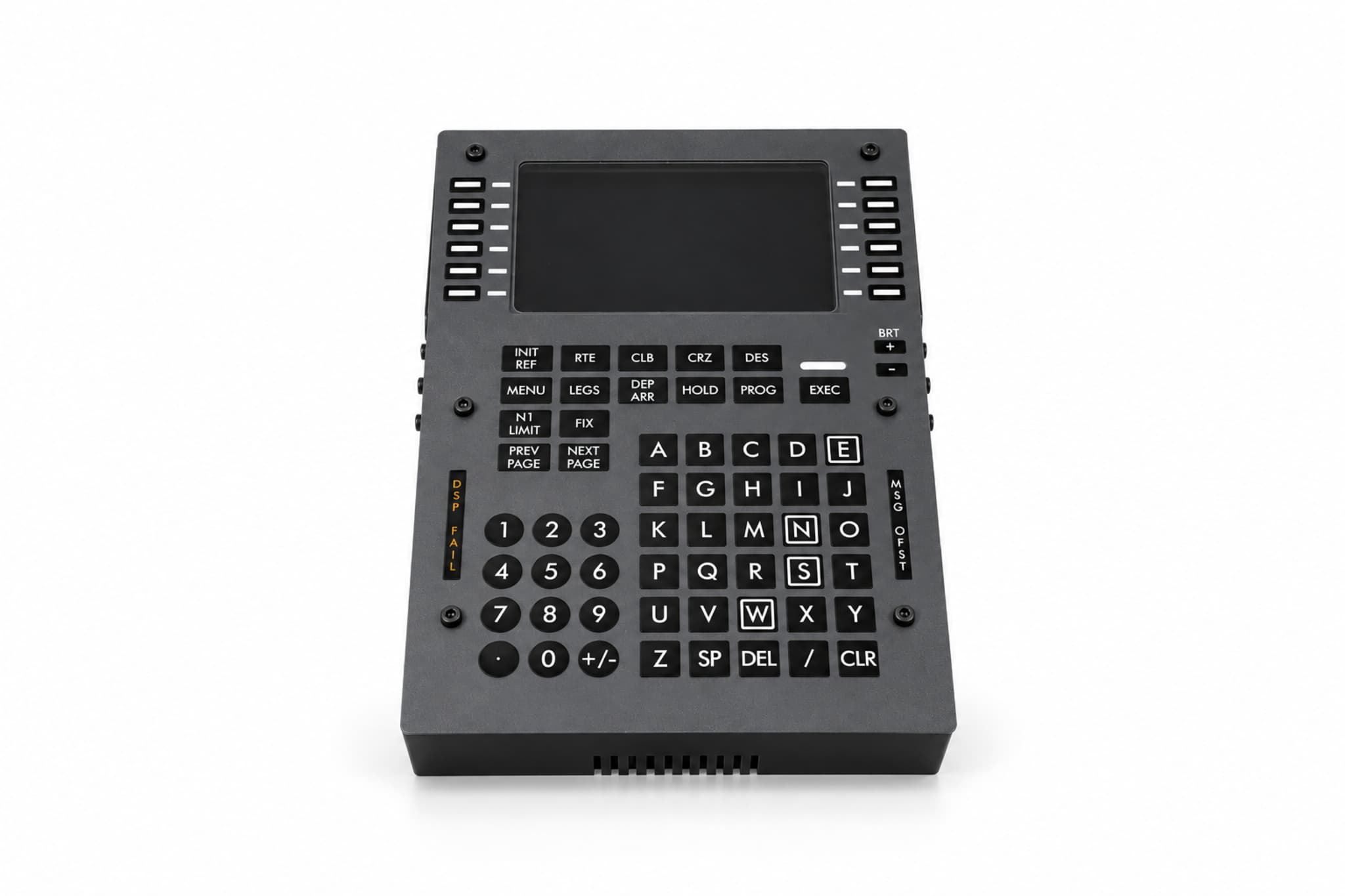
GFlight B737 FMC/CDU front view
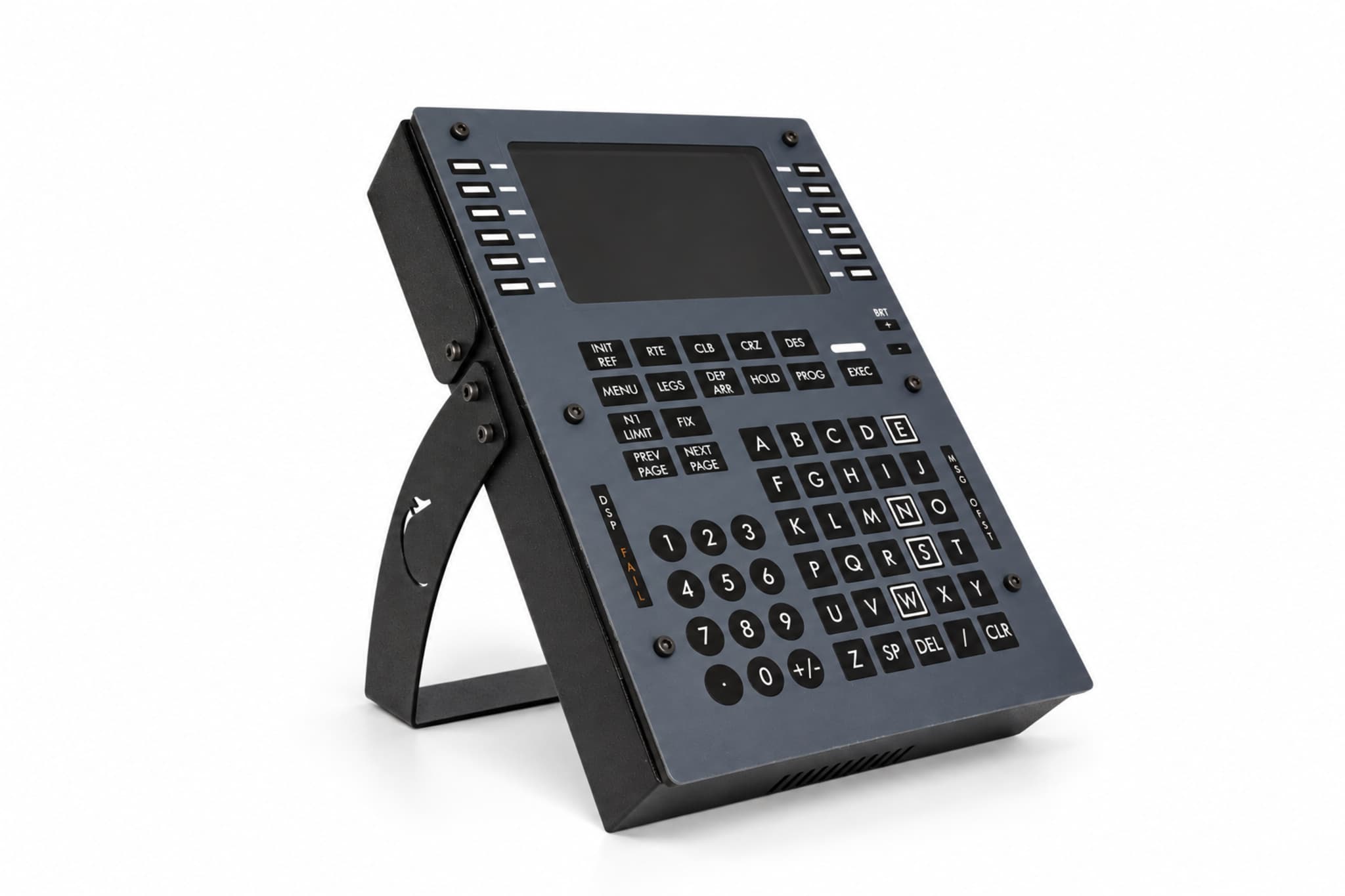
  • GFlight B737 FMC/CDU angled view
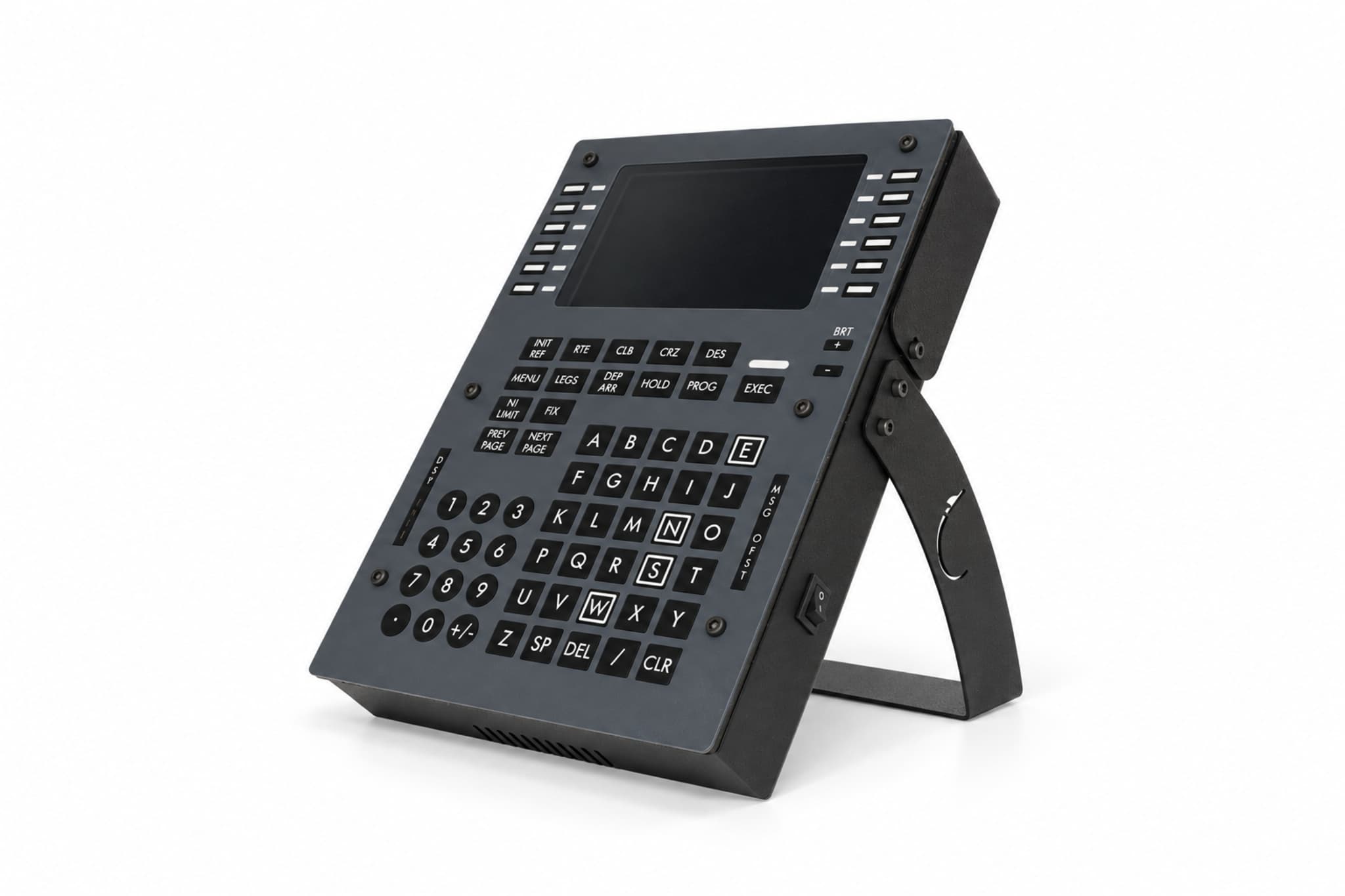
  • GFlight B737 FMC/CDU from another angle

Hardware

GFlight B737 FMC/CDU

Manage your flight plan on a physical CDU.

₺28,499

VAT included

Buy on Hepsiburada (opens in a new tab)Buy on Amazon (opens in a new tab)

See the marketplace page for current price and availability.

Get a quote for business or bulk orders

The GFlight B737 FMC/CDU lets you control the Boeing 737 flight management system with physical keys and a 5-inch HDMI display. You handle core FMC tasks such as flight planning, performance calculation and entering takeoff and approach data without a keyboard or mouse.

Key features

  • Realistic design inspired by the Boeing 737 FMC/CDU
  • 5-inch high-resolution display with HDMI input
  • Fully functional physical CDU keypad, all keys active
  • Line Select Keys on both sides of the display
  • Numeric and alphabetic data entry
  • Five message lights: EXEC, MSG, OFST, DSPY and FAIL
  • Adjustable backlighting
  • Manage flight plan and performance data from the physical unit
  • Slim body suited to compact desktop cockpits
  • Own connection software, no third-party tools needed
  • 2-year manufacturer warranty

Overview

Build your route, select SID and STAR procedures, enter performance values and run your flight from a physical FMC. Instead of clicking virtual keys with the mouse, you get the speed and feel of a real CDU. The display, the keys and the FMC functions stay in sync with the supported aircraft.

The GFlight B737 FMC/CDU comes with its own connection software. There is no need to buy or install third-party tools such as SPAD.neXt, AxisAndOhs or MobiFlight.

Main functions you can use

  • Creating and editing the flight route
  • Entering departure and arrival airport data
  • Selecting SID and STAR procedures
  • Managing runway and approach data
  • Adding, deleting and editing waypoints
  • Entering takeoff performance data
  • N1 limit and takeoff reference settings
  • Managing climb, cruise and descent pages
  • Following flight progress information
  • Viewing fuel, weight and performance data
  • Applying route changes with the EXEC key

Compatibility

Supported simulator and aircraft combinations
SimulatorAircraft
Microsoft Flight Simulator 2020PMDG 737-800
Microsoft Flight Simulator 2024PMDG 737-800
X-Plane 12Zibo Mod B737-800X

Technical details

Dimensions
225 × 150 × 40 mm
Display
5-inch, high-resolution, HDMI input
Connection
USB, GFlight connection software
Display connection
HDMI input. Requires a free HDMI output on your computer.
Third-party software
Not required
Operating system
Windows 10/11 (macOS not supported)
Mounting
Desktop or cockpit mounting
Warranty
2-year manufacturer warranty
Manufacturing
Locally manufactured

Controls on the panel

  • LINE SELECT KEYS
  • INIT REF
  • RTE
  • CLB
  • CRZ
  • DES
  • MENU
  • LEGS
  • DEP/ARR
  • HOLD
  • PROG
  • EXEC
  • N1 LIMIT
  • FIX
  • PREV PAGE
  • NEXT PAGE
  • A–Z
  • 0–9
  • PLUS/MINUS
  • DECIMAL
  • DEL
  • SPACE
  • CLR
  • MSG
  • OFST
  • DSPY
  • FAIL
  • Hardware

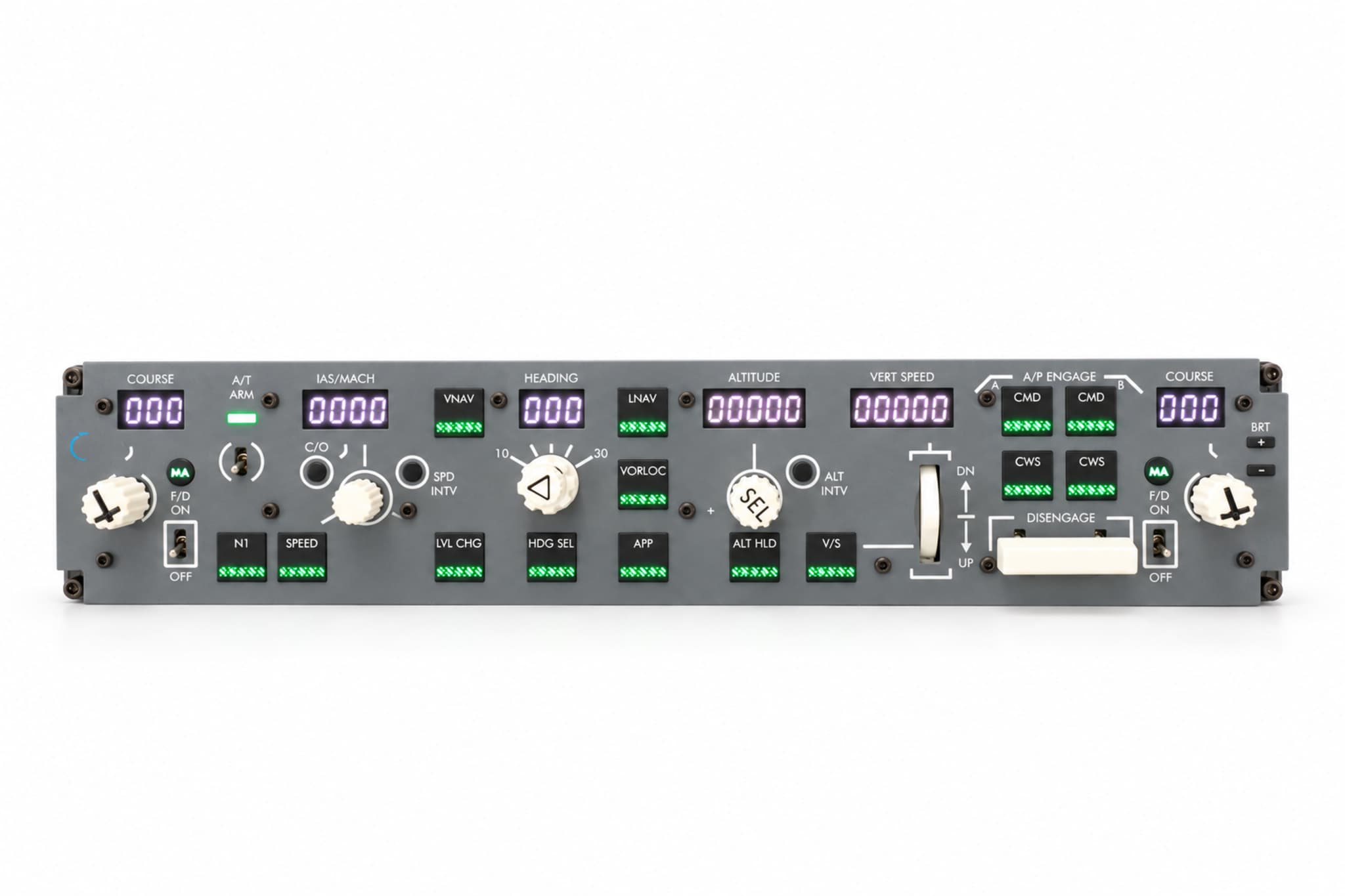
    GFlight B737 MCP

    Control the Boeing 737 autopilot with physical controls.

    ₺23,499
    • MSFS 2020
    • MSFS 2024
    • X-Plane 12
  • Hardware

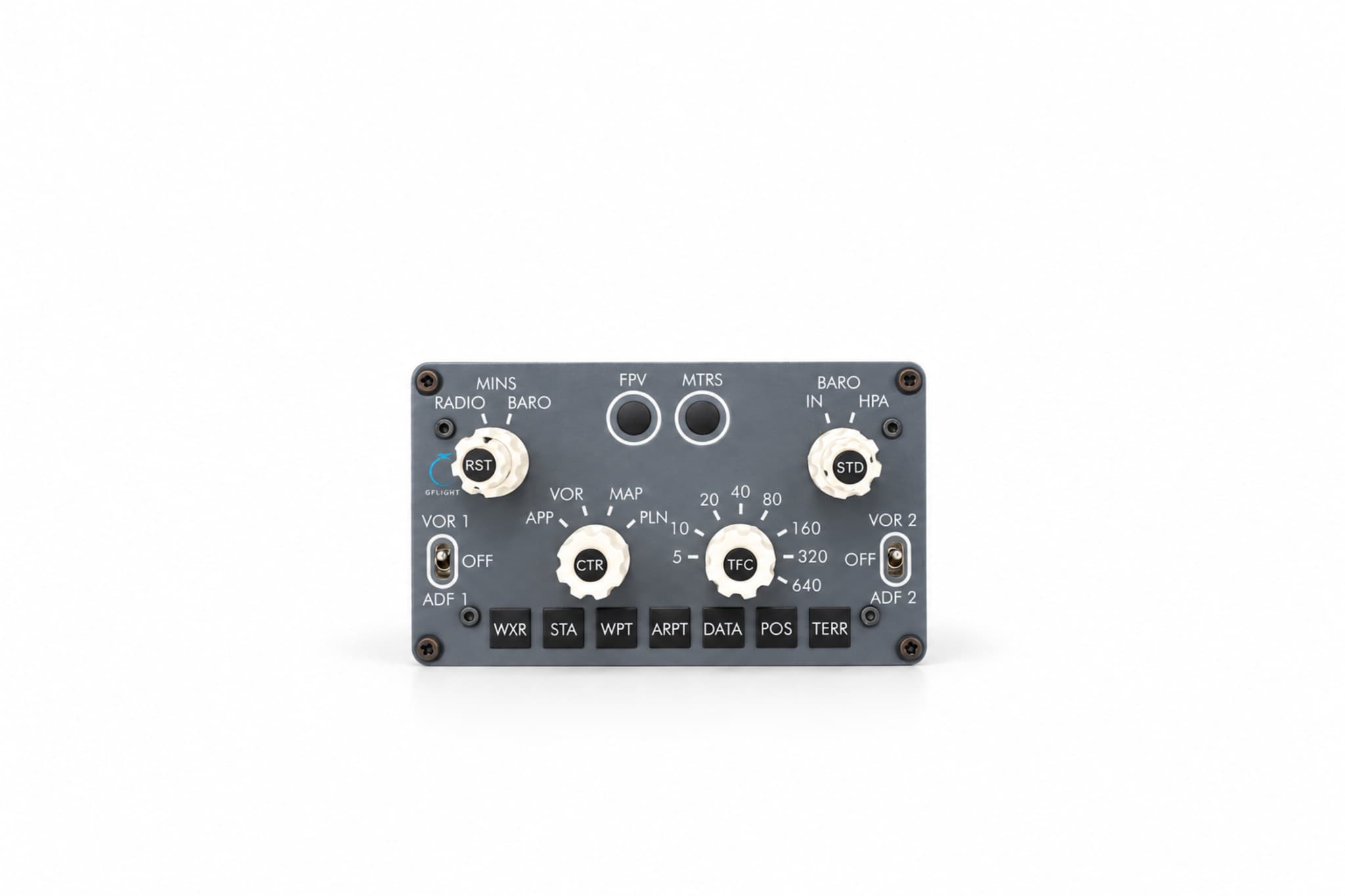
    GFlight B737 EFIS

    Control the Boeing 737 navigation display with physical controls.

    ₺10,499

    • MSFS 2020
    • MSFS 2024
    • X-Plane 12