Hardware
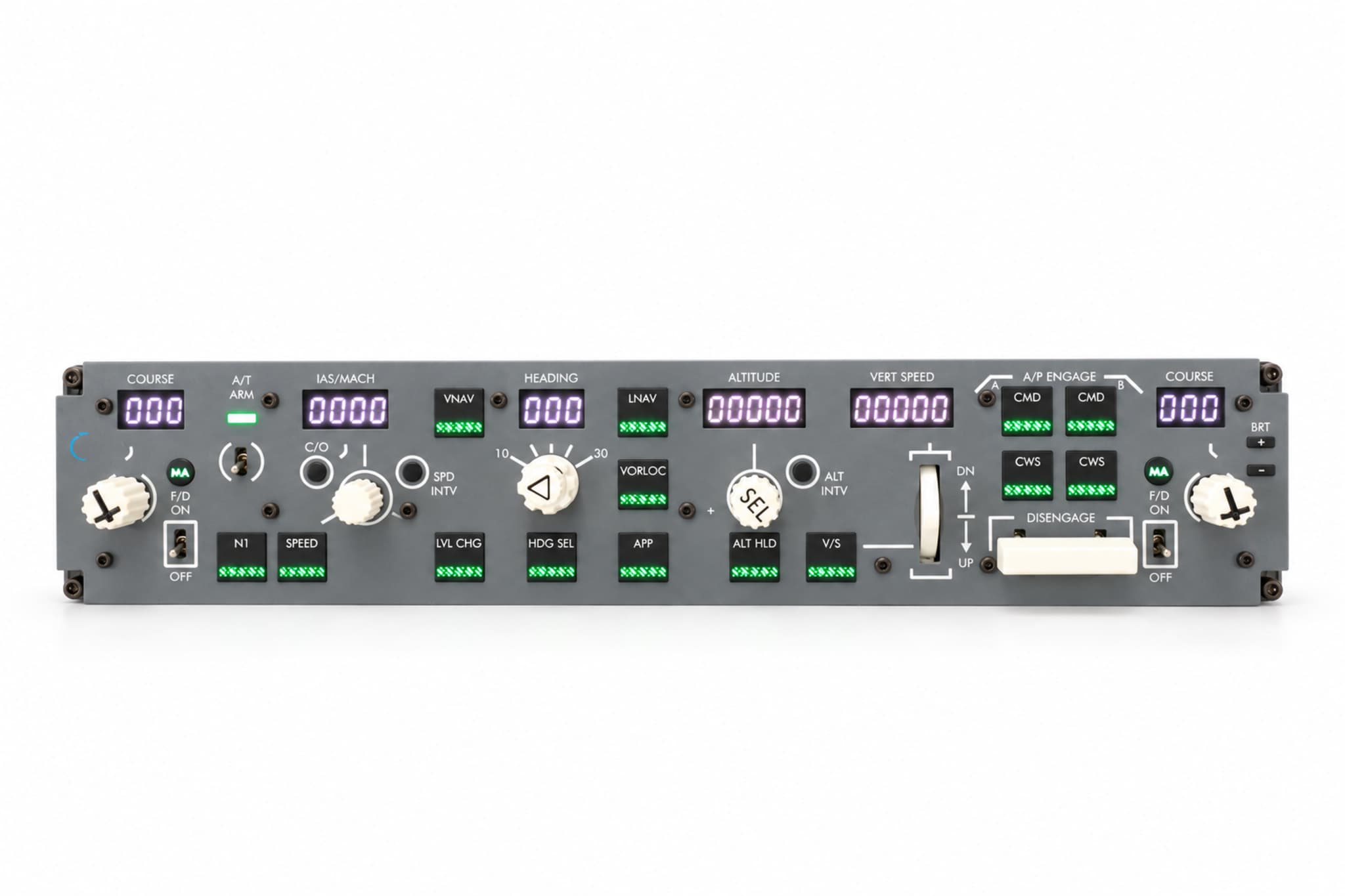
GFlight B737 MCP
Control the Boeing 737 autopilot with physical controls.
₺23,499
- MSFS 2020
- MSFS 2024
- X-Plane 12

Professional simulation systems
Professional hardware designed and manufactured in Türkiye for the real feel of flight. Plug in, start up, fly with GFlight Launcher.
Seamless Integration
Start flying in seconds with our proprietary GFlight Launcher — no need to wrestle with complex third-party software.
Full Manufacturer Warranty
All our hardware is covered for 2 years against manufacturing defects, with like-for-like replacement and repair.
Domestic Engineering and Design
First-class hardware designed and manufactured in Türkiye from top-grade materials selected to aviation standards.
Expert, Direct Support
Get fast, professional after-sales technical support straight from the team that develops the products — no middlemen.
Professional simulator hardware designed for a realistic flight experience. With our custom integration software, take to the skies with plug-and-play ease — no third-party add-ons needed.
Hardware
Control the Boeing 737 autopilot with physical controls.
₺23,499
Hardware
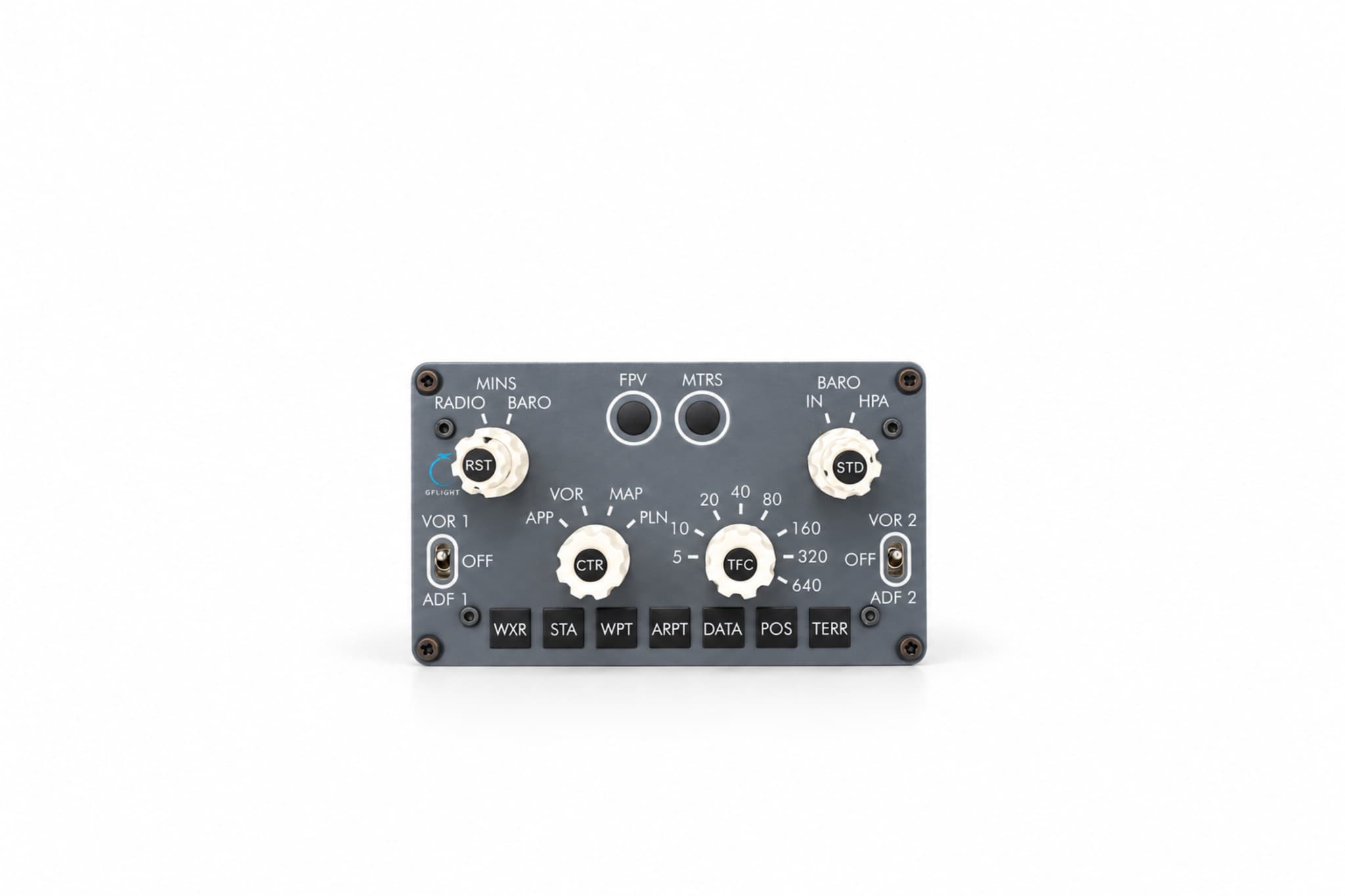
Control the Boeing 737 navigation display with physical controls.
₺10,499
Hardware
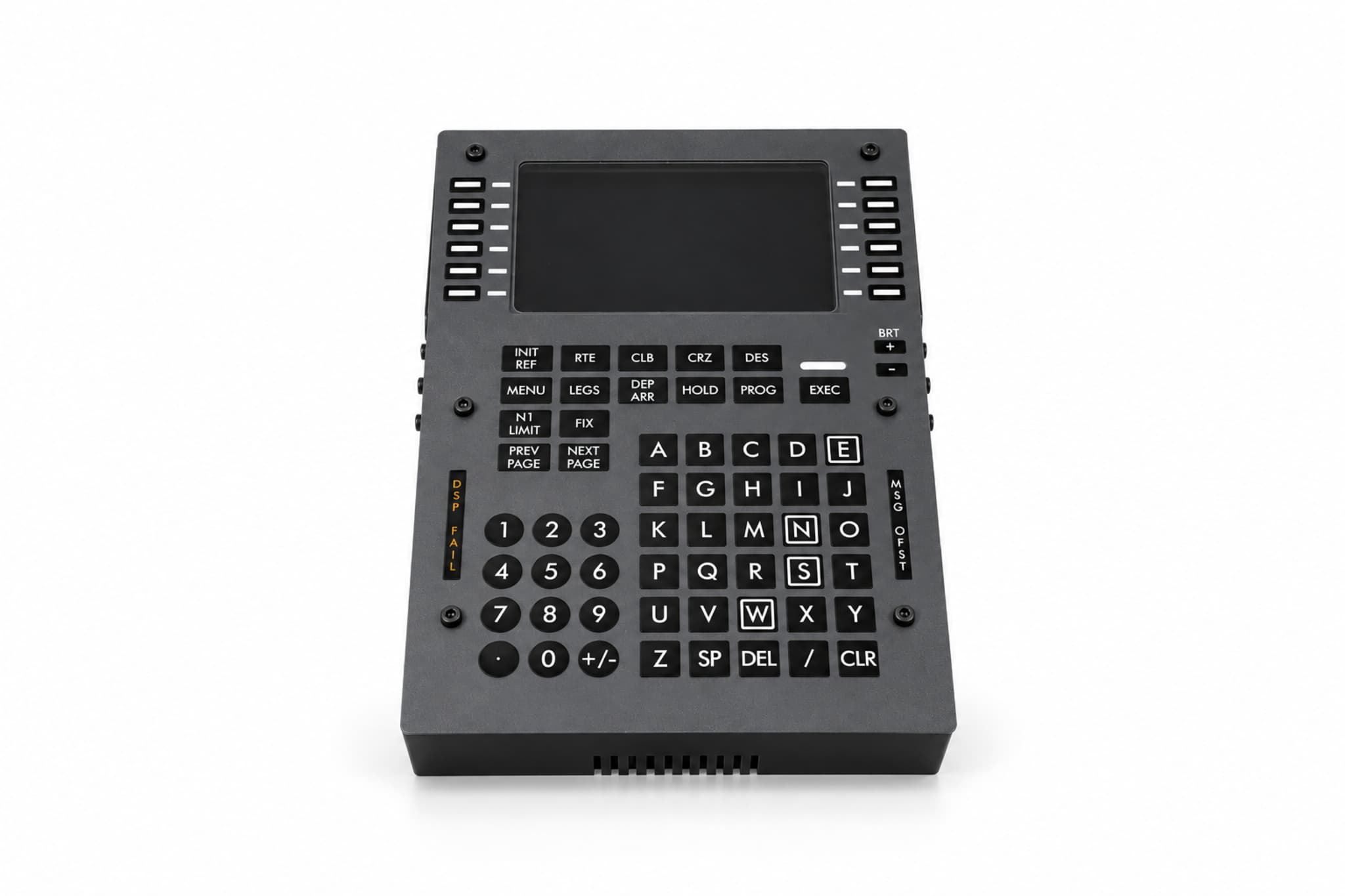
Manage your flight plan on a physical CDU.
₺28,499
Hardware
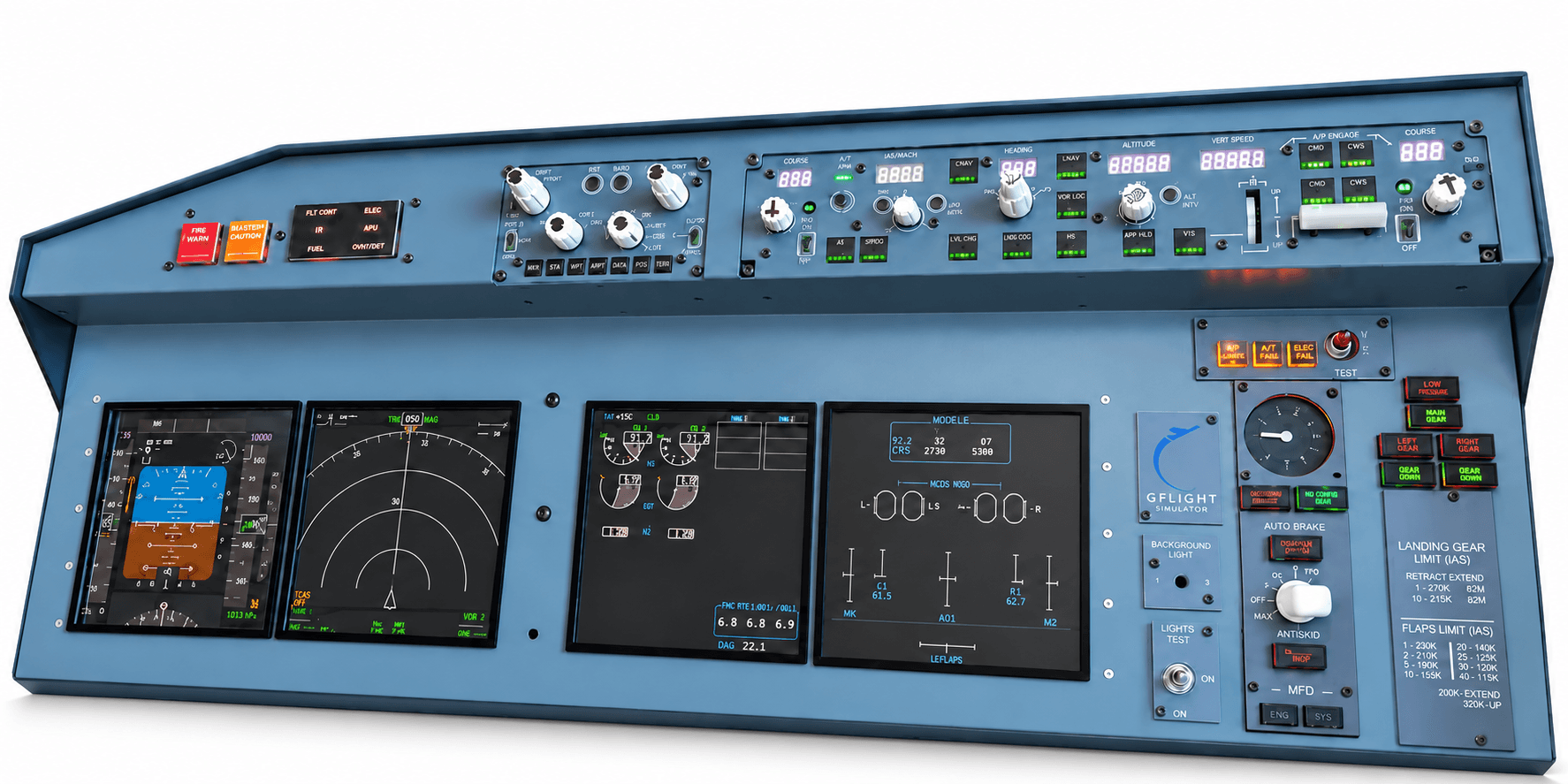
An integrated Boeing 737 cockpit experience on a single panel.
₺139,000
Hardware
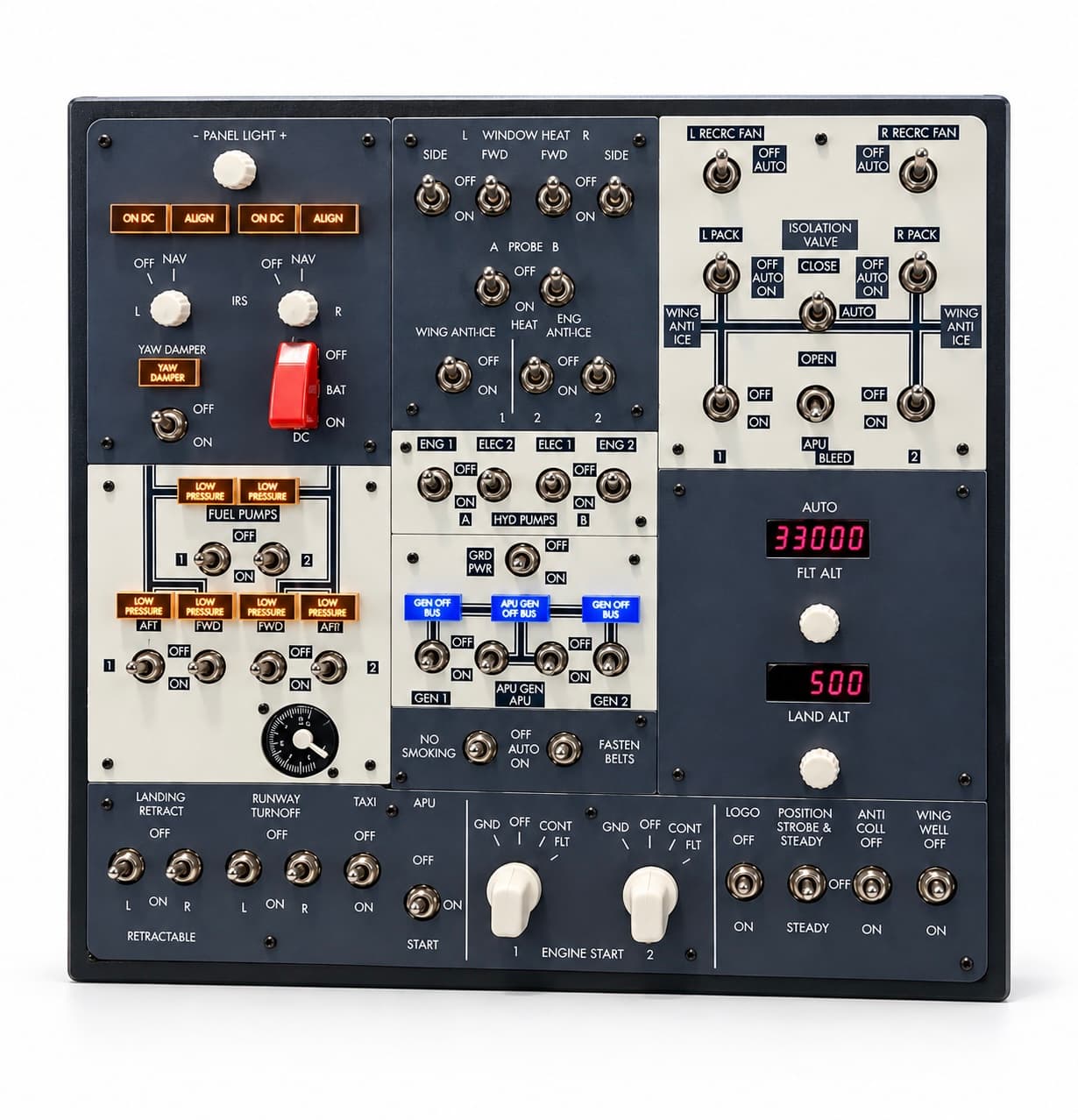
Run electrical, fuel, hydraulic and lighting controls with physical switches.
₺39,000
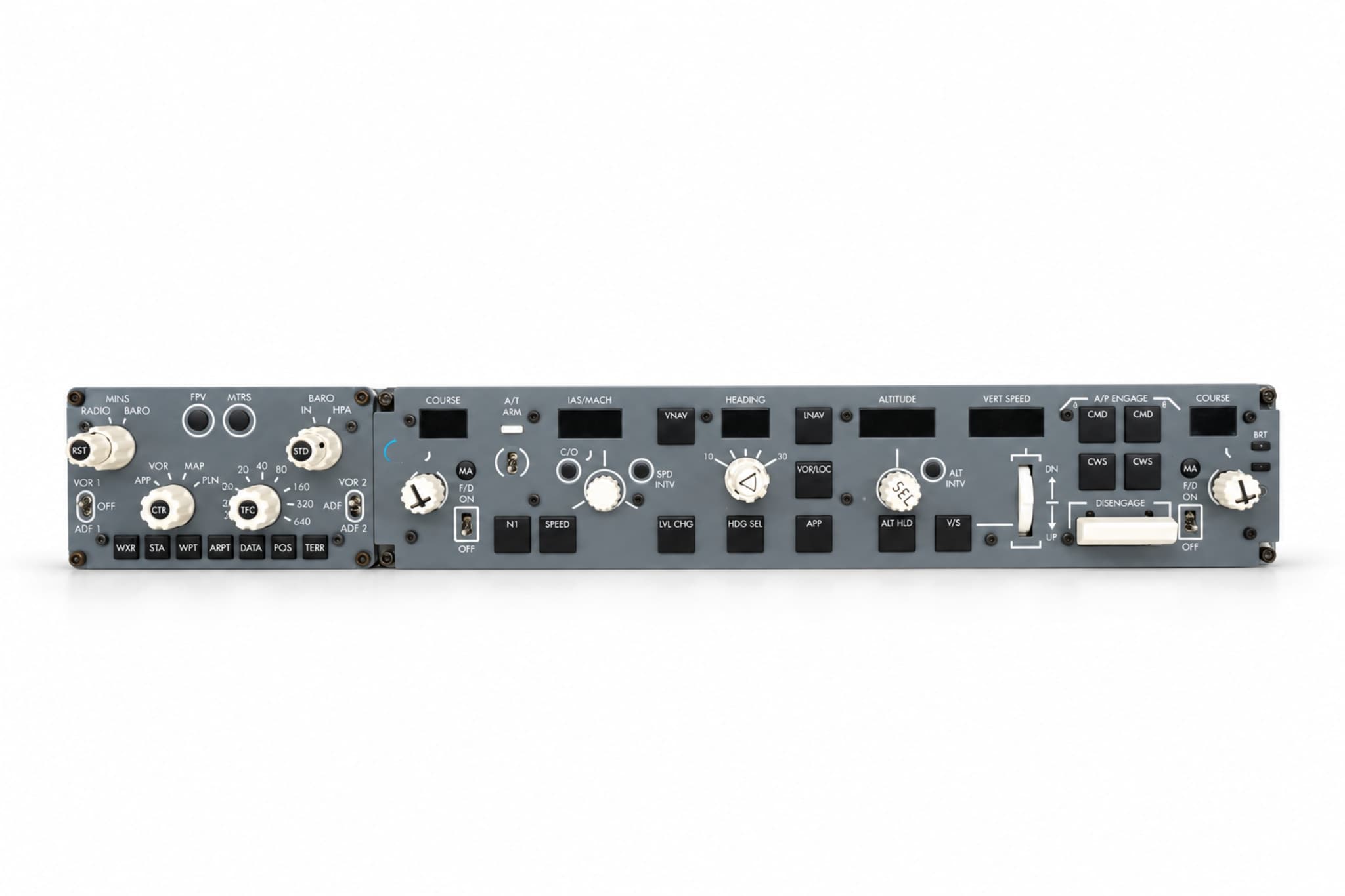
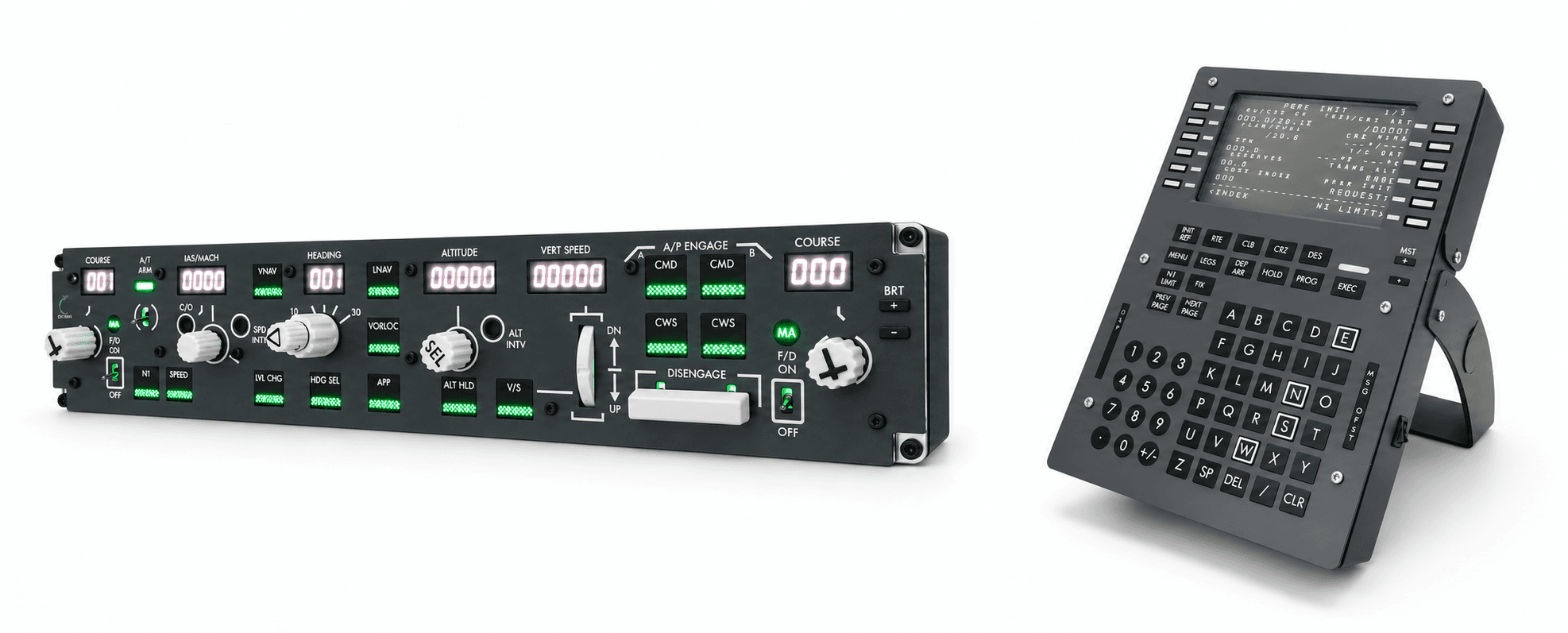
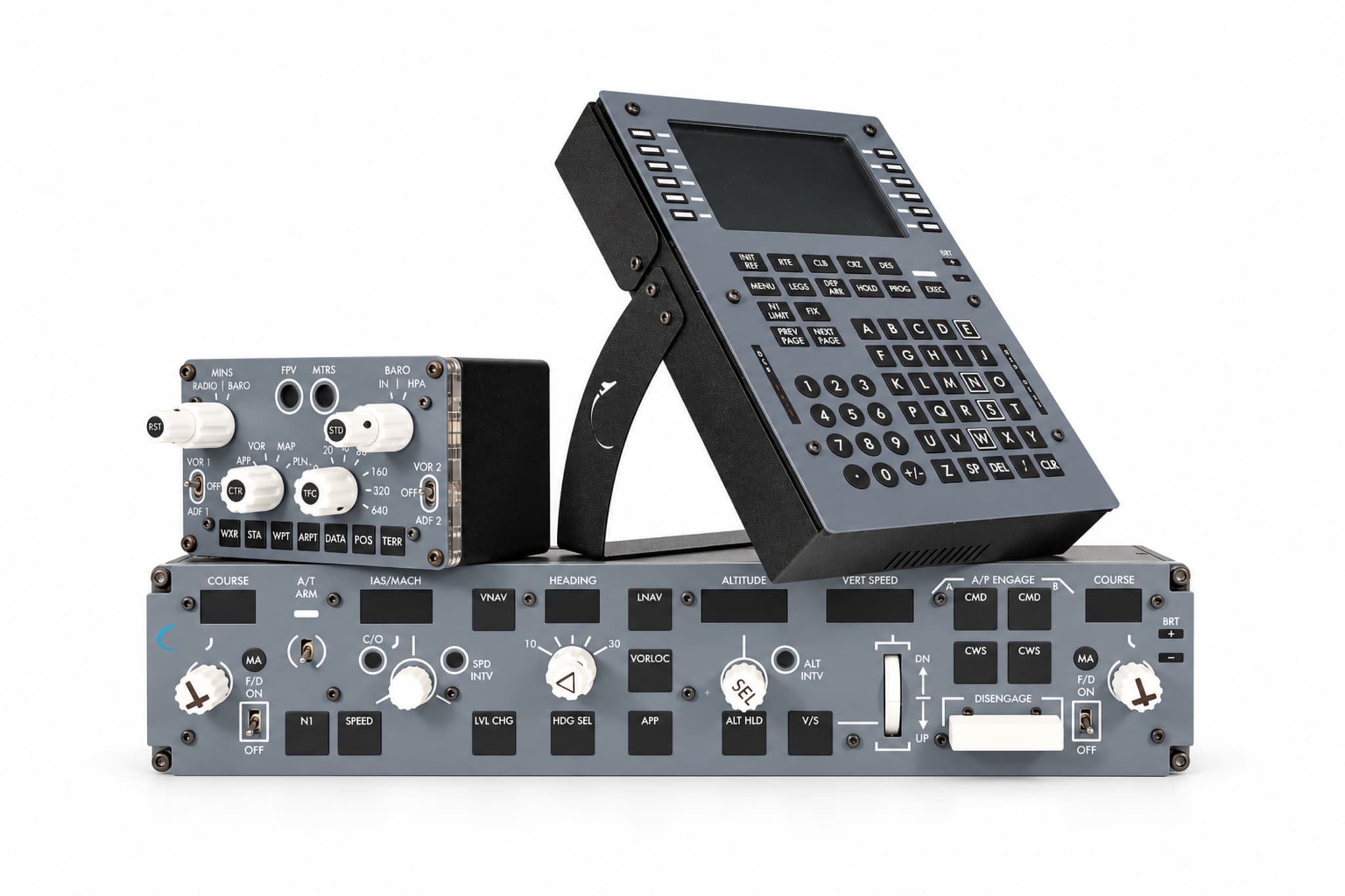
Autopilot, navigation and flight management panels in one set.
₺58,499
Save ₺3,998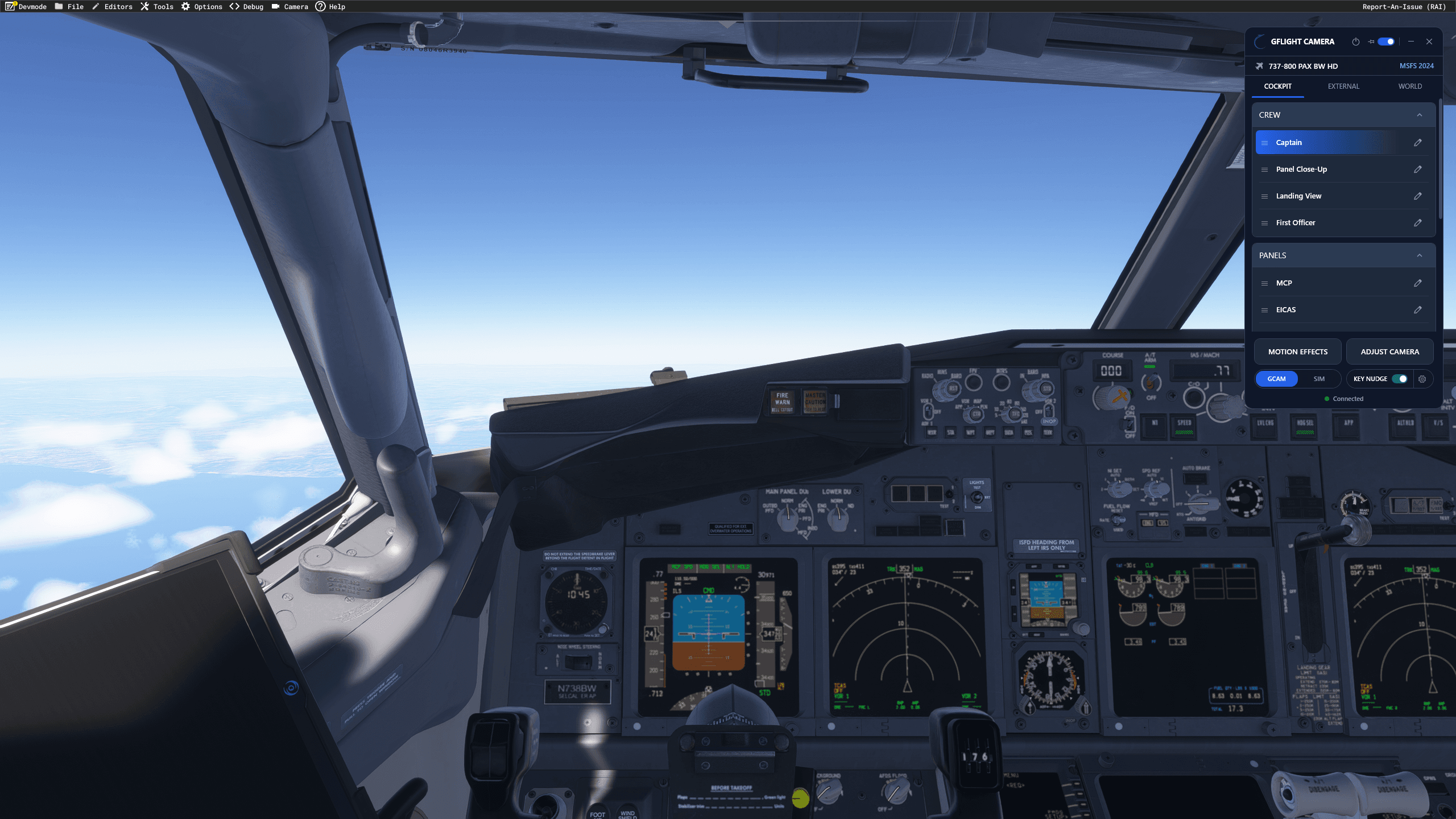
Watch how GFlight panels and software work in the simulator.
AI-powered voice assistant
Activate the voice assistant by saying “Copilot”, then speak the command. While you fly, the assistant can set the flaps and landing gear, manage the lights and the APU, and switch the anti-ice, fuel and hydraulic systems on and off.
Available with the GFlight B737 MCP, the Mini MIP and sets that include the MCP.
Currently works only in MSFS 2020 and MSFS 2024 (PMDG 737-800).
Explore the MCPWake word
“Copilot”
Example commands
gear downflaps fivelanding lights onapu start30+ supported commands.
Every unit is plug-and-play. No complicated setup.
Connect via USB
Connect the device to your computer with USB.
Run the GFlight software
Open the software that comes with the product.
Connect to the simulator
Start your simulator, select your aircraft and connect through the GFlight interface.
| Simulator | Aircraft |
|---|---|
| Microsoft Flight Simulator 2020 | PMDG 737-800 |
| Microsoft Flight Simulator 2024 | PMDG 737-800 |
| X-Plane 12 | Zibo Mod B737-800X |
Explore the products, or request a quote for business and bulk orders.